Make the model do less work.
Guides for making AI video that actually ships — scripts, realism, TikTok, documentaries, product shots, faceless channels, consistency, and camera control. Every example shows the exact prompt and the real output.
Engineering · 8 min read
Our Music Generator Had a Washed-Out Echo. One dtype Fixed It.
Songs from our hosted MiniMax Music 3 endpoint sounded smeared and hollow next to the same model on Hugging Face. The solver, steps and guidance were identical; the diffusion stage was running in bfloat16. Switching it to float16 restored the sound at the same speed. Before/after samples, the measurements, and three music videos we cut from the fixed songs.
One elf, 1000 anime styles
The same prompt re-run a thousand times with only the style modifier changed — art movements, printmaking, retro games, subculture fashion, lighting grades. Filterable gallery with every prompt shown.

CREATION GUIDES
Make money with it, keep it consistent
Faceless channels, 100-ad pipelines, AI UGC, product photos, persona consistency — the full playbook from first render to first invoice.
Make Money With AI: The Five Paths That Actually Pay
Ad creative, faceless channels, UGC, product visuals, automated studios — what buyers pay and which runbook wins.
How to Produce 100+ Creative Ads Without a Team
Hook matrix, asset library, batch production, kill thresholds — the solo pipeline.
Soul ID Explained
Anchors, descriptor block, derivation rules — the identity layer every money path runs on.
ALL GUIDES
Prompt it, generate it, ship it
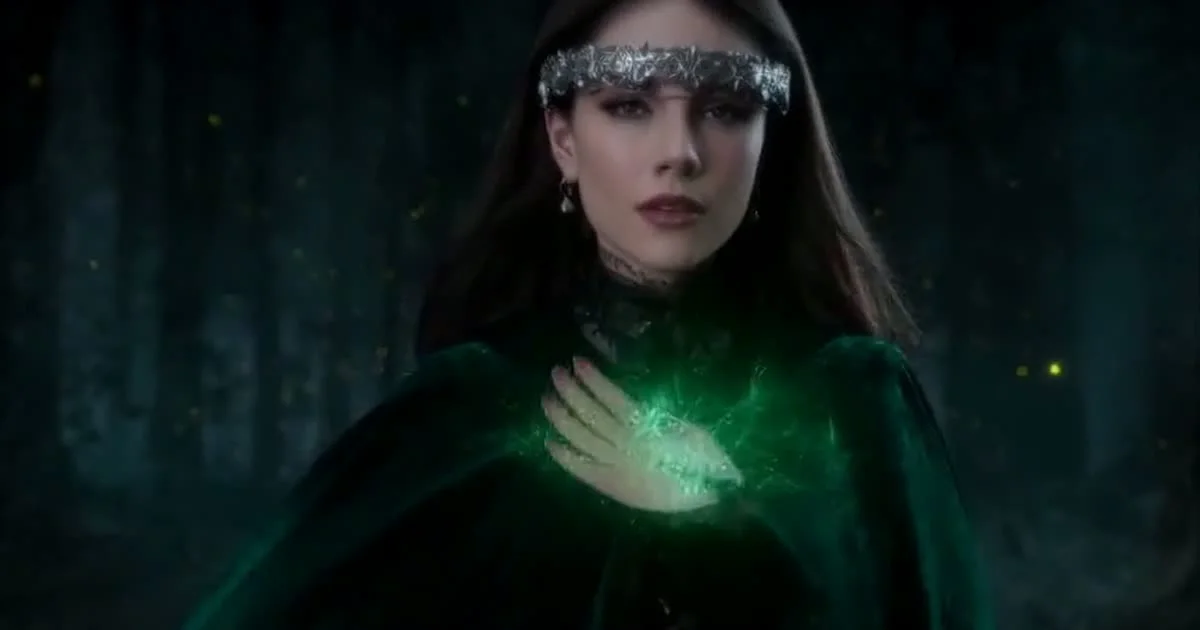
Pose to Witch: Six New Ways to Control AI Video
Turn ordinary footage into a pose, depth, edge, line, or masked control signal, then regenerate it as a new character or world. We shipped six MiniMax H3 control-video tools and tested the full path with a real pose-to-witch render.
Read guide
We Made Two Short Films With Dialogue Using One Video Model
Two complete short films — a magic-noir tragedy and a stranded-crew sci-fi story — made with 16 structured H3 prompts: one verbatim IDENTITY LOCK per shot for character consistency, dialogue written into the prompt for generation-time lip-sync, and music mixed in afterwards. The workflow, prompts, and render numbers.
Read guide
Seedance 2 vs Kling 3.0 vs Veo 3.1: pick the flagship that fits
Three flagship video models on one API: cinematic all-rounder, audio-first multi-shot scenes, and photoreal physical motion. Prices, audio, and the shots each one wins.
Read guide
Best AI video model for anime: Wan, Happy Horse, Kling and the honest breakdown
Which served model actually produces anime that looks like anime? Wan for style and budget, Happy Horse for expressive character animation, Kling for audio and multi-shot scenes.
Read guide
Best AI video model for product ads: LTX 2.3, Seedance, and Manifold keyframes
Product ads have different needs from narrative: logo locks, packshot realism, camera moves, and exact end frames. Three models worth paying for, and when.
Read guide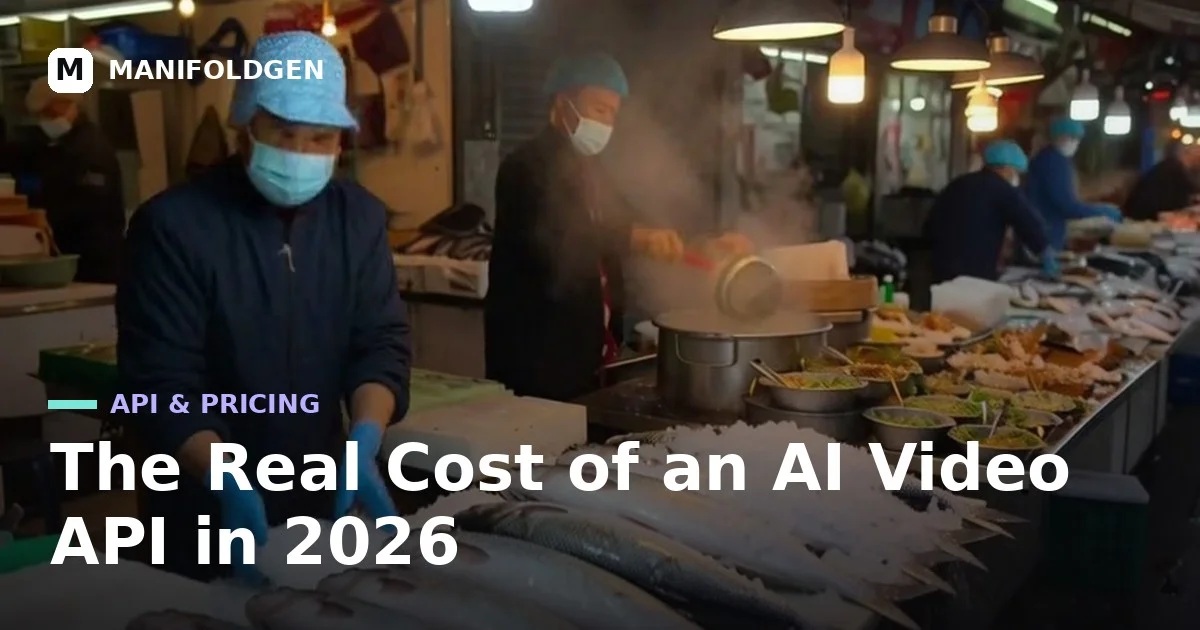
The real cost of an AI video API in 2026: $/s across eight model families
Every model on ManifoldGen, measured in credits and dollars per second: LTX 2 at $0.09 per clip through Veo 3.1 at $0.40/s. With per-second math and the workflow that keeps spend sane.
Read guide
How to Use Kling 3.0 for Cinematic AI Video
Kling 3.0 turns prompts and stills into multi-shot cinematic clips with native synced audio. Here is how to prompt it, which tier to pick, and what each setting costs.
Read guide
How to Use Kling 2.6 When Budget Matters
Kling 2.6 Pro is the value tier of the Kling line: reliable motion, native audio, and 1080p at roughly two-thirds of Kling 3.0 pricing. Here is where it wins and how to prompt it.
Read guide
How to Use Veo 3.1 for Photoreal Video With Sound
Google's Veo 3.1 is the photorealism benchmark: physics that hold, native dialogue, and 4/6/8-second takes with synced audio. Fast covers drafts at 90 credits; Standard covers finals.
Read guide
How to Use Seedance 2.5 for Long Single-Take Video
Seedance 2.5 plans a whole shot at once: coherent single takes up to 30 seconds, synced speech and music, and up to 50 multimodal references. Here is how to drive it.
Read guide
How to Use Seedance 4K for Native Ultra-HD Shots
Seedance 4K runs Seedance 2.0 pinned to native ultra-HD output — one generation, no upscale pass. Here is when native pixels beat upscaling and how to art-direct for them.
Read guide
How to Create AI Content for TikTok in 2026
Generate AI video that performs on TikTok: vertical-native 9:16 prompts, a hook in the first second, seamless loops, and batch variation workflows.
Read guide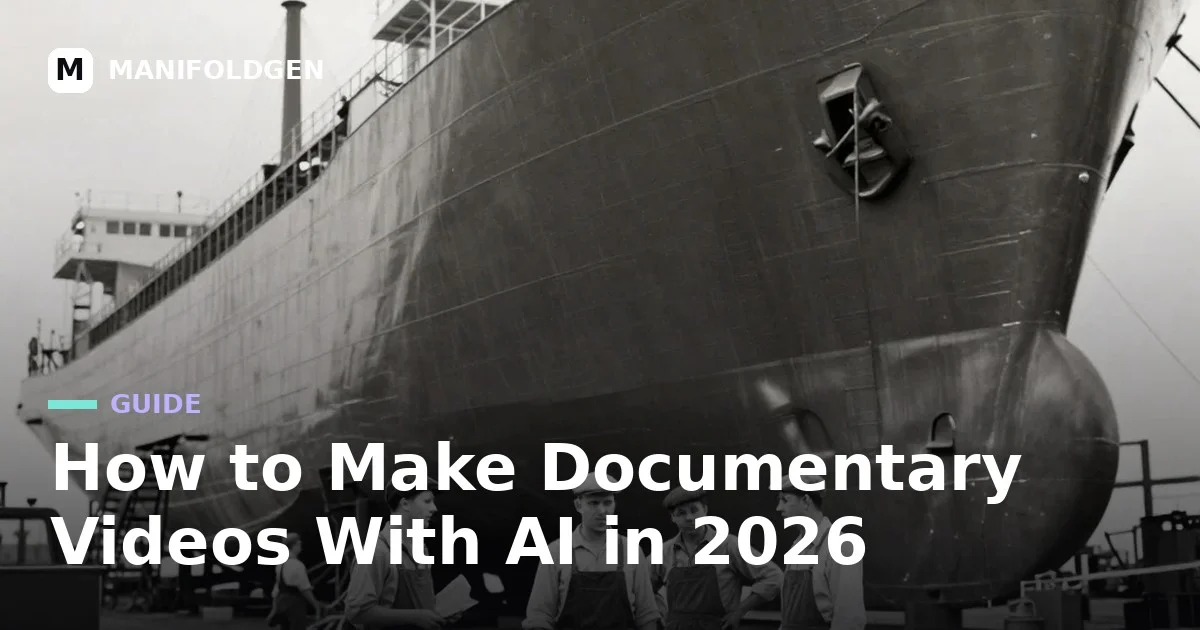
How to Make Documentary Videos With AI in 2026
Build documentary-style videos with AI the way editors actually work: stills first, Ken Burns motion second, archival looks, narration-first structure, honest labeling.
Read guide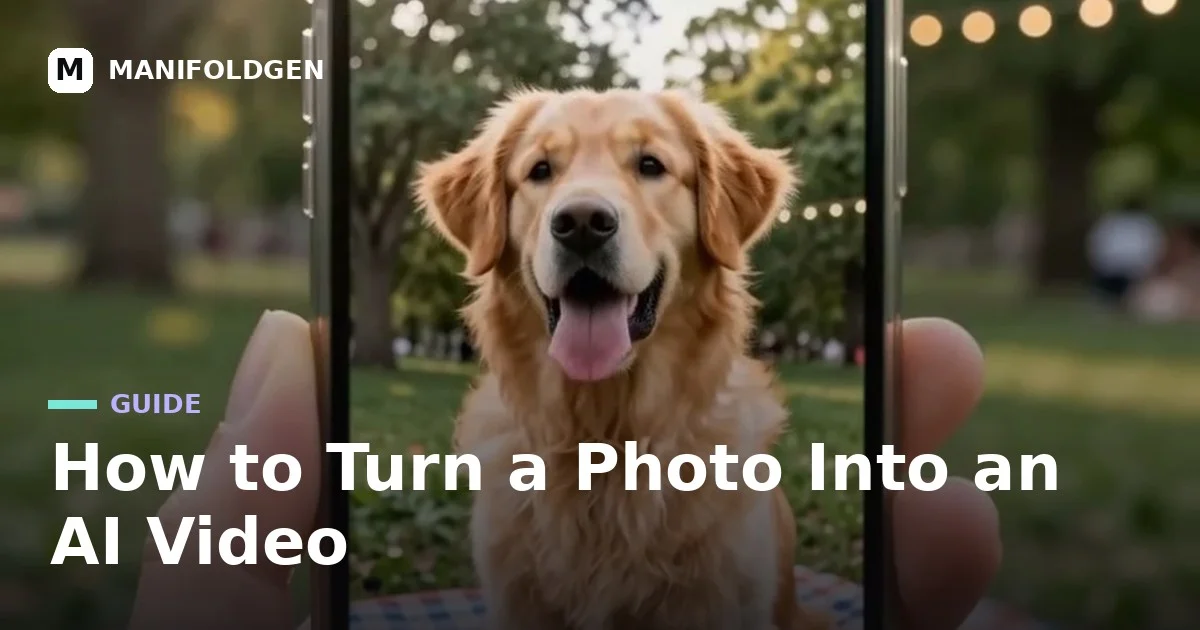
How to Turn a Photo Into an AI Video
Turn any photo into a living AI video: pick source images that animate well, prompt motion that belongs to the scene, and keep identity perfectly stable.
Read guide
How to Make AI Product Videos Without a Studio
Skip the light table and crew: prompt AI product videos with precise material language, one hero move, controlled reflections, and seamless loops built for ads.
Read guide
Best AI video generators tested in 2026: same prompts, real generations
We ran identical prompts through Manifold H3, Seedance 2, Kling 3.0, Veo 3.1, Wan and LTX on real infrastructure — measured speed, prices, and the shots each model wins.
Read guide
Most reliable AI video generators in 2026: what actually ships a clip
Reliability is not model polish — it is consistent output, sensible failure modes, and pricing that does not surprise. Which ManifoldGen models deliver that in 2026.
Read guide
Best AI previz tools in 2026: shot-blocking without a crew
Previz is the cheapest place on the cost curve to make a mistake. Which ManifoldGen tools actually block shots and look like a film — and which are just prompt toys.
Read guide
How to Make an AI Video From a Script in 2026
Turn a written script into shot-by-shot AI video prompts: extract subject, action, camera, light, and ending per scene line and keep continuity across cuts.
Read guide
How to Make AI Video Look Real in 2026
Realism in AI video comes from imperfection and light physics: handheld shake, mixed color temps, natural exposure, mundane action. Exact prompt language inside.
Read guideHow to Create AI Content for TikTok in 2026
Generate AI video that performs on TikTok: vertical-native 9:16 prompts, a hook in the first second, seamless loops, and batch variation workflows.
Read guide
How to Start a Faceless Channel With AI
A faceless channel is an asset pipeline: pick a repeatable niche, generate voiceover and b-roll in batches, build loops that monetize, ship on a calendar.
Read guide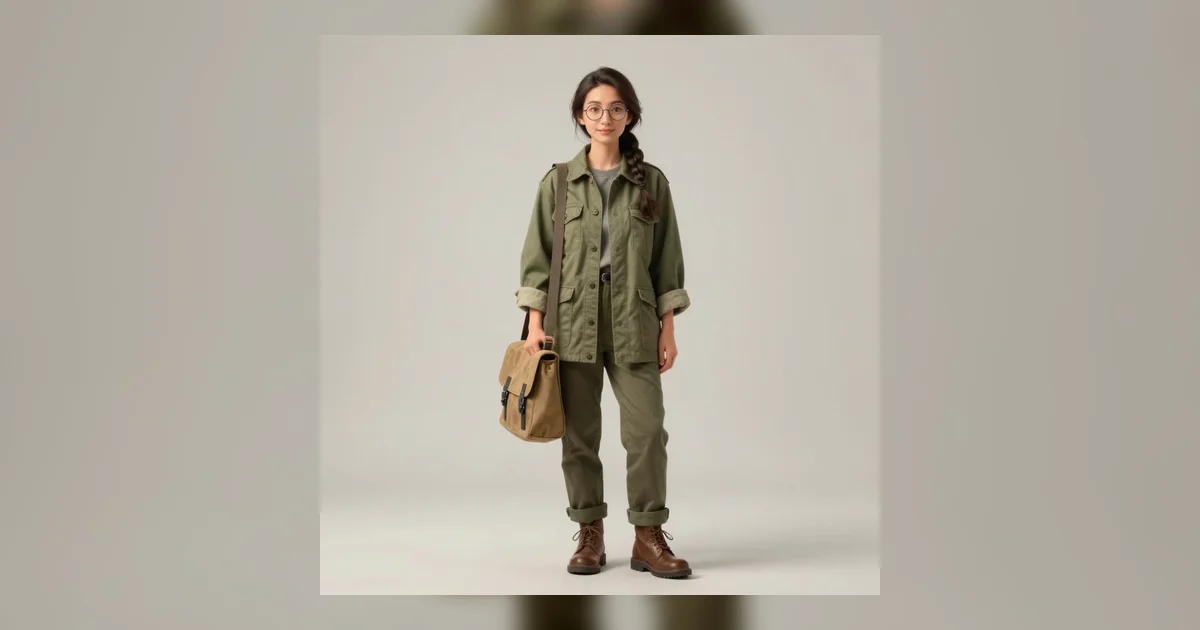
How to Keep Characters and Locations Consistent Across AI Shots
Consistency across AI shots is a memory problem: build one character sheet, pass it as reference on every shot, repeat descriptors verbatim, fix the rest in edit.
Read guide
How to Control Camera Movement, Angles, and Lens in AI Video
Stop asking for "cinematic" and start directing: exact prompt language for dollies, orbits, cranes, focal lengths, and angles that video models actually follow.
Read guide
CuteDSL, latent teleportation, and the shortest path to faster generation
A practical mental model for moving work through a generative pipeline without paying the full cost of rebuilding every intermediate representation.
Read guide
Prompting video: describe the shot, not a pile of adjectives
A repeatable structure for turning a visual idea into camera motion, subject action, lighting, and a clean ending.
Read guide
Prompting images: composition first, detail second
Use subject, framing, lens, light, and material cues in the order an image model can actually use them.
Read guideTurn a prompt into a clip.
Open the Studio and put the shot structure, references, and pacing into practice.